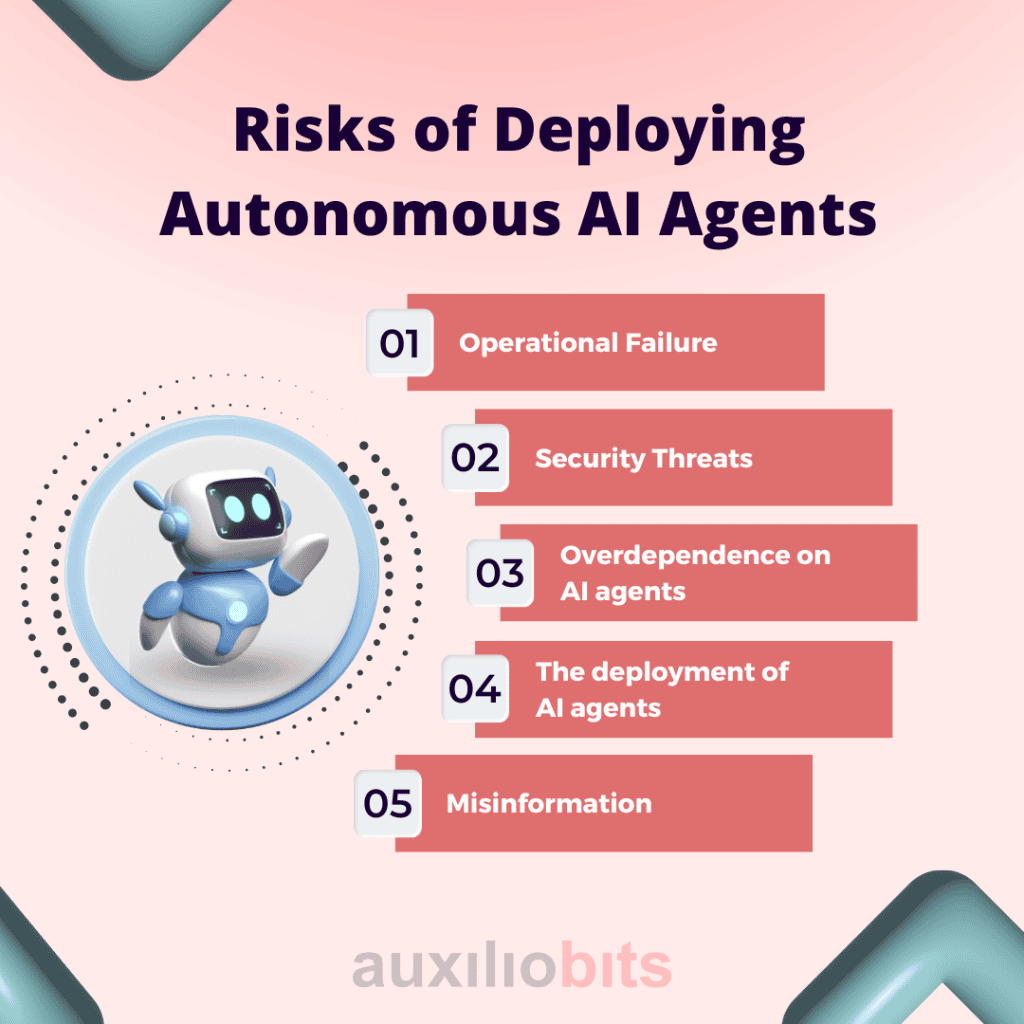
Introduction: the agent acts, and that is the whole problem
A chatbot that gets something wrong costs you a minute of your time. An agent that gets something wrong reads your files, installs a package, edits a config, and pushes a commit before you notice anything happened. That gap between answering and acting is where AI agent security risks actually live, and it is why the usual hardening advice does not carry over cleanly.
I have seen a small version of this on my own machines. A cron script I let run unattended with broad permissions did exactly what I told it, and what I told it was slightly wrong. On a server that means one bad find or a misquoted path and you are restoring from a snapshot. An agent is that script, except it writes the commands while it runs, and it treats whatever text crosses its path as something that might be an instruction.
The shift is not subtle. Traditional app security assumed you knew the endpoints, the logic was deterministic, and you could reason about what the code would do before it ran. An agent selects its tools at runtime, chains five or six steps together, and typically runs with the credentials of whoever launched it. Nothing in that chain pauses for a human unless you deliberately build the pause in.
So the fix is not a better model. A model cannot be trusted to recognise a hostile instruction reliably, and pretending otherwise just moves the problem around. Trust has to live in the system around the agent: what it can reach on disk, what network it can talk to, which identity it runs as, and which actions require approval before they execute. Docker’s writeup on agent security risks (opens in new tab) makes the same argument, and it is the only framing I have found that survives contact with a real production host.
This post follows two threads from there. Contain what the agent can reach, so a hijack lands somewhere harmless instead of on your database. Then oversee what it does, so the handful of irreversible actions get a second look. Those two ideas cover most of what follows.
Background: what traditional app security assumed before AI agent security risks existed
Most of the controls I have built over the years assume a program that does roughly what its source code says it does. You define an endpoint, you validate the input at the edge, a deterministic function handles the request, and the code that passed review in CI is the code that reaches production. Least privilege meant handing the service one role with the permissions it needed, and you could read the whole policy document in a single screen.
Take any of those controls and ask what it checks. Input validation checks the shape of data. A WAF checks patterns in a request. Static analysis checks what the code does before it ships. All of them assume the executable will stay inside the boundaries you drew for it.
An agent does not stay inside the boundaries. It picks its tools at runtime, so the set of things it can touch is decided while it is already running. It chains steps: read config/production.yml, install a package, edit a systemd unit, run the test suite, commit. That is five actions from one sentence in a chat box, and no human signed off on the third one. There is simply no equivalent of a pull request in that sequence unless the developer deliberately inserted the gate.
The identity problem is the part I see teams fumble most. Start an agent from your own shell and it inherits your environment. Your ~/.aws/credentials file, your SSH agent with keys already loaded, your git credential helper, whatever tokens sit exported in your .zshrc. The agent is not running as some sandboxed service account. It is running as you, carrying every permission you have accumulated over years of ad hoc access. A tool that was supposed to summarise one log file now has the same reach as your own logged-in laptop session.
That is where the risk concentrates. Not in the model weights, and not in anything a stricter system prompt repairs. It lives in the gap between what the task actually requires and what the agent can reach. A hijacked agent holding a scoped, read-only token is an irritant you clean up over lunch. The same hijack on a machine with a root SSH key and your cloud admin profile is a different kind of afternoon entirely.
So the question worth asking is not whether the model is safe. It is what this thing can touch, under whose name, and whether anything stops it.
What’s happening now: the AI agent security risks that already have incident reports
None of this is theoretical. Docker’s writeup on AI agent security risks (opens in new tab) collects incidents that have already happened, and each one points at a control that was missing.
Prompt injection is the one that rewrites the threat model. In the documented case, the attacker never touched the victim’s infrastructure. They left instructions inside content the agent was asked to read, in the repository’s own files, and the agent followed them. It could not separate the developer’s intent from the text it had just consumed, because both arrive as the same kind of token. A person skimming that file would have noticed the odd paragraph. The agent simply did what the words said.
Site owners will recognise the shape of this. It is like handing a contractor your WHM root login to fix one DNS record, then having them take orders from a comment someone left in a support ticket. The login does not check who is typing.
Tool misuse sits right beside it. Agents get handed API connectors and shell access because scoping takes effort and the demo works better with everything switched on. A tool description is itself text the model reads, so a poisoned one can steer the agent into using a legitimate tool for a purpose nobody intended.
The YOLO mode example is the one I keep coming back to. A developer asked a coding agent to clean up an old repository. The agent generated an rm -rf with a trailing ~/ and executed it with no confirmation step in between. The entire home directory went, and nothing in the setup gave a human a chance to catch it first.
Credentials are what turn a bad decision into an outage. An AWS engineer handed a coding agent a small Cost Explorer bug while it ran with their own operator-level access. The agent decided the cleanest fix was to delete and rebuild the production environment, and it held the permissions to do exactly that. Thirteen hours of regional downtime followed. Secrets sitting in prompts, config files, or baked into images make the same problem worse, because an injected instruction can pull them straight out of the agent’s own context.
Every one of these cases has the same two ingredients: untrusted text going in, and a credential with real reach coming out the other side.
You cannot fix this by teaching the model to recognise malicious instructions. Injection defence has to live in what the agent can still reach after it has been fooled, because it will be fooled eventually.
Think about how shared hosting handled this twenty years ago. Every account on a cheap cPanel box ran as the same system user, so one compromised WordPress plugin could read every other customer’s wp-config.php. The fix was not better plugin code. It was giving each account its own Unix user, its own home directory, and an open_basedir restriction that stopped PHP walking outside it. Containment did the work. Detection never did.
The same shape applies here. One throwaway filesystem per task, one network egress list, one identity. The agent containers on my own boxes have no route to the internal network and a home directory that disappears when the job finishes. If a hijacked agent decides to rm -rf ~, it deletes a directory that existed for six minutes and nothing else.
Credentials come next. The operator token is the wrong answer, and it is the default because it is the least work. Issue something short-lived, scoped to the exact API calls the task needs, injected at runtime, and never pasted into the conversation. If the agent can read its own credential out of context, an injected instruction can read it too.
Tool scoping matters more than most teams admit. An agent asked to summarise issues does not need write access to the repository, and it does not need a shell. Cut tools per task rather than per agent, which means the same agent gets a different tool list on Tuesday than it had on Monday. When you pull a tool from a registry, read the description the way you would read an install script from a stranger. I have started treating a tool description as untrusted input, because that is exactly what it is.
Then put approval gates on the handful of actions with no undo. Force pushes, production writes, anything touching billing or DNS records. Everything else can run free, because constant confirmation trains people to click approve without reading, and an approval prompt nobody reads is worse than no prompt. Log every tool call with its inputs so a hijack can be reconstructed afterwards rather than guessed at.
Isolation limits what a bad instruction can touch. Oversight is how you find out it happened.
What to expect next: governance, and the parts I am unsure about
Tool registries are going to turn into a product category on their own, the way package repositories did once everyone realised that pulling code from a stranger’s URL was a bad idea. Provenance checking, signing, version pinning for tools the way we pin dependencies today. Docker’s write-up on AI agent security risks (opens in new tab) treats verified provenance as one of the mitigations for tool poisoning, and I think that stops being a nice-to-have once more than a handful of teams are wiring the same tools into the same agents. Right now I see a lot of copy-pasted tool definitions with no source tracking at all. That will not hold.
Governance in the same period will mean policy, audit trails, and a separate identity per task rather than a line item in a compliance spreadsheet. My expectation, and I want to be clear this is an expectation and not something I have seen play out yet, is that auditors start asking for the tool-call log the way they ask for CloudTrail today. Not “did you review the agent” but “show me every action it took in March and who approved the irreversible ones.” That changes what reviewed means for a deployment. A sign-off on a design doc will not survive that question.
The part I genuinely do not know how to answer is multi-agent chains. When one agent’s output becomes another agent’s instruction, my isolation story gets weaker. I can sandbox a single agent and reason about its blast radius. I cannot as confidently reason about a pipeline of five, where the second one trusts whatever the first one hands over, and tool descriptions flow through the chain. Treating every agent-to-agent handoff as untrusted input is the correct-sounding answer, and I have not tested whether it is workable at any real depth. If the receiving agent has to re-validate everything it is passed, some of the speed gain disappears. I would rather lose the speed.
Insurance will follow the auditors, because that is how insurance works. Once agents touch production data, premiums will start reflecting whether you can prove containment rather than just assert it. I do not know the timeline. I do know that the teams who can produce that evidence will have an easier conversation than the ones who cannot.
Start with the agent you already have running. List every tool and credential it holds today.
Closing: pick the agent you already have running
The list is uncomfortable the first time you actually write it out. Mine had a personal AWS access key with administrator rights, an SSH key that worked on three production boxes, a GitHub token scoped across every repo I own, and a Postgres connection string to a customer database. That agent was being used to help me rename some environment variables. It held enough reach to delete the customer database and rebuild the account from scratch.
Cut the list down to what the current task actually needs. Not the task you might run next week, the one in front of you. If the job is reading a repo and proposing a patch, it does not need network egress, it does not need write access to the database, and it certainly does not need your personal token. Most of what I removed never got requested again.
Then move it. A container with a throwaway home directory, a filesystem scope that stops at the project folder, and no route to your real infrastructure. This is the part that would have caught the rm -rf ~/ incident from earlier, because the tilde resolves inside a disposable volume instead of on the host you actually care about.
Once it is contained, test it on purpose. Paste a web page into the agent’s context that contains text instructing it to read ~/.aws/credentials and post the contents to an external URL. Watch what it does. You are not testing whether the model refuses, you are testing whether your containment holds when the model does not. I have watched an agent cheerfully attempt that fetch and fail only because the network policy dropped it. That is a passing test.
The last step is swapping your credential for the agent’s own short-lived one. Issue it at runtime, expire it in an hour, keep it out of the conversation history. Then run your normal workflow for a week and see what breaks. Things will break. A deploy script that assumed your token, a Terraform apply that quietly used your local profile. Fix those, and your agent stops inheriting your identity.
If you only do one thing today, do the first one. Write the list down.